
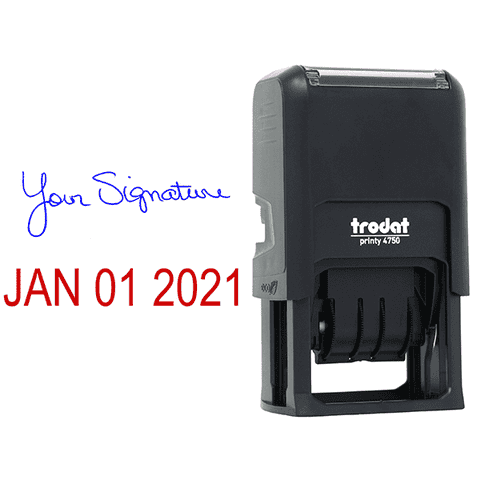
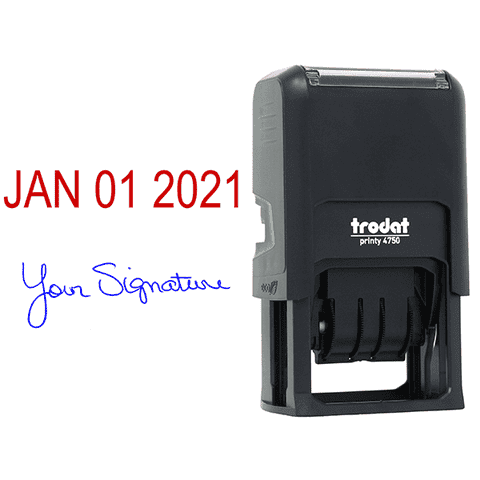
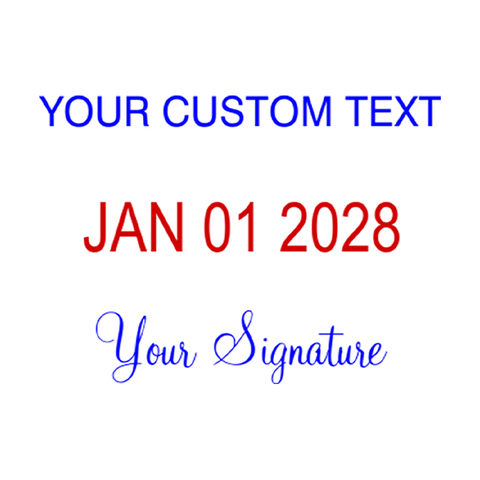
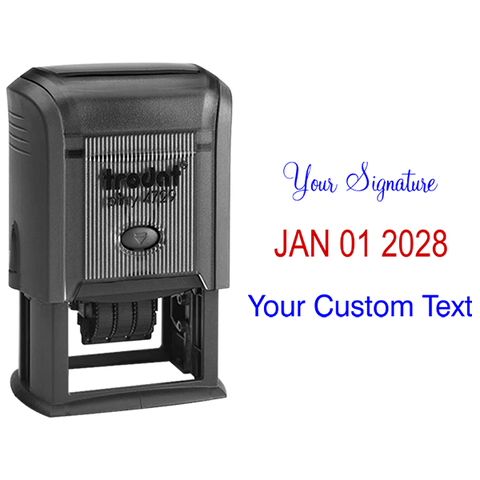
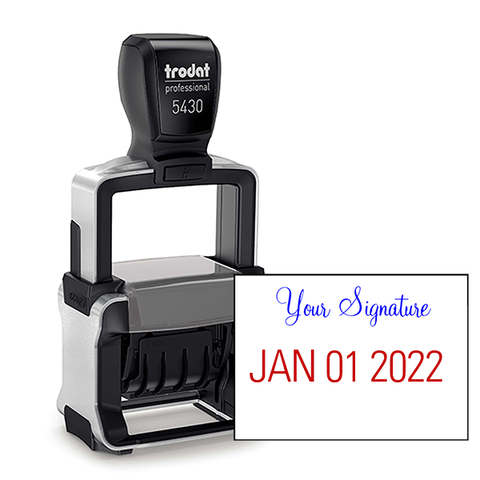
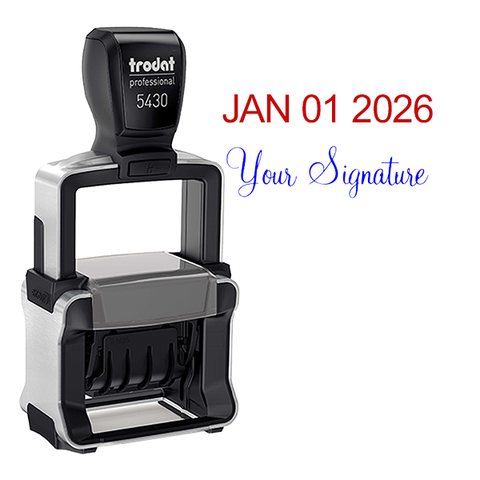
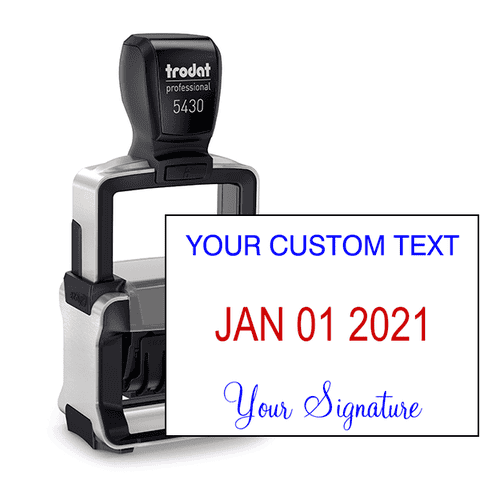
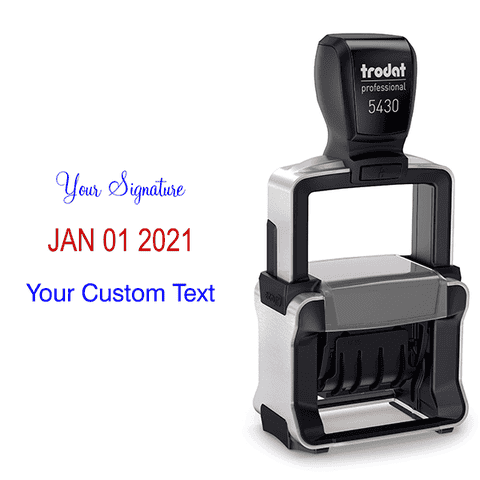
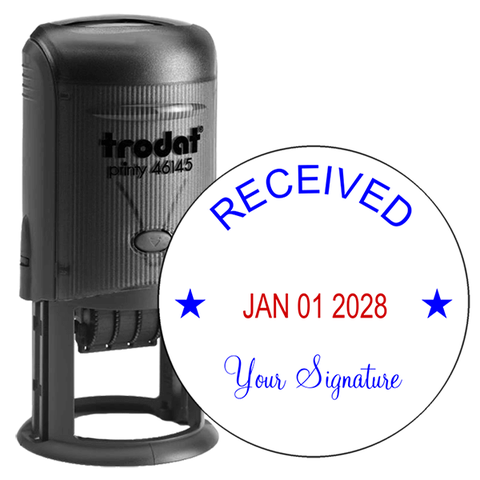
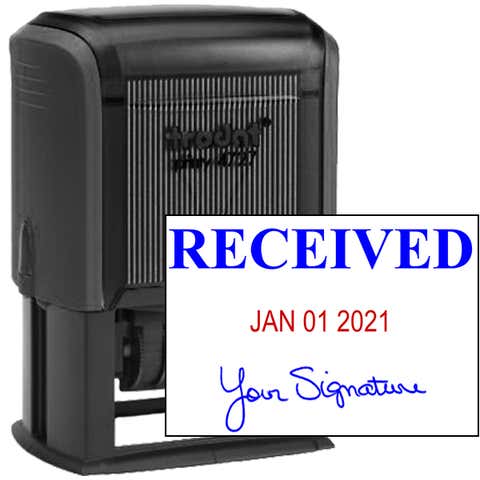
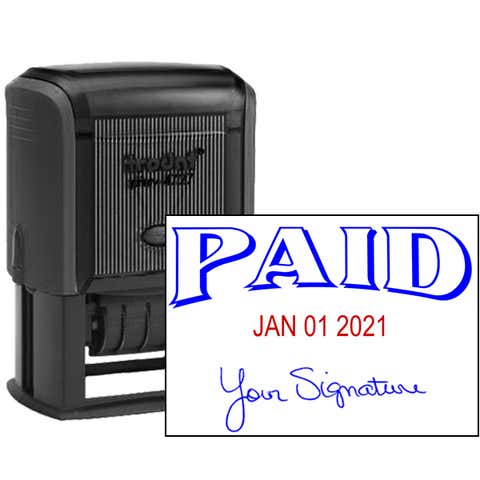
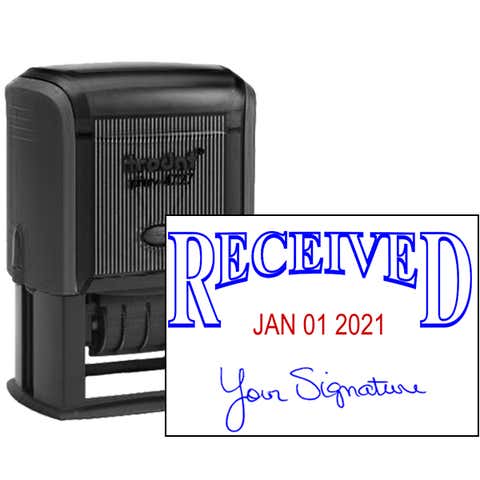
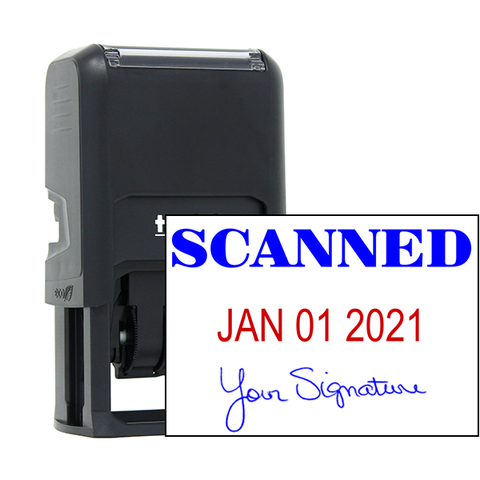
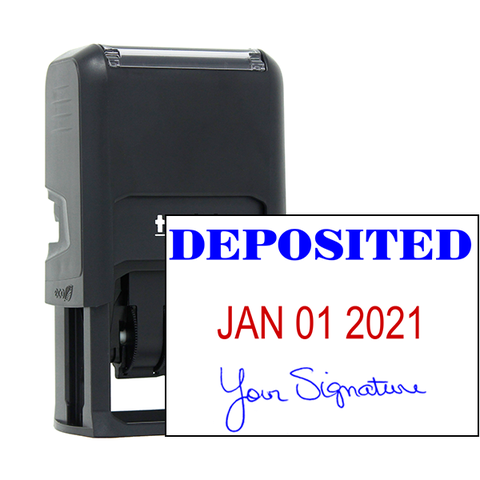
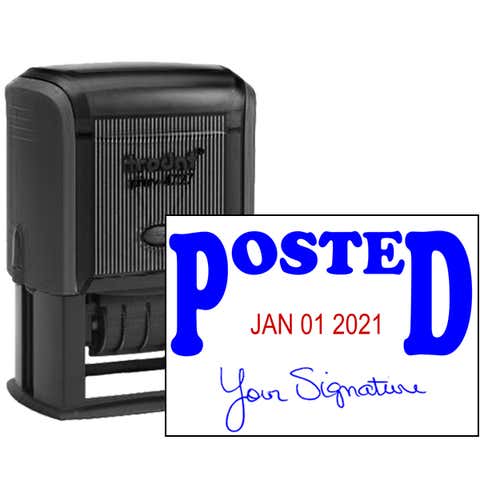
The Entered Signature Date Rubber Stamp is a practical tool for adding a professional touch to your documents. With "Entered" at the top, a customizable signature in the middle, and a date at the bottom, this stamp ensures clear, crisp impressions every time, making it ideal for tracking and organizing paperwork.
Product Features- Customizable: Personalize with your signature and date for easy document management.
- Durable Design: Constructed with a sturdy frame for long-lasting use.
- Efficient Processing: Clearly marks documents as entered with a professional appearance.
- Easy to Use: Smooth self-inking action with an ergonomic handle.
- Multiple Ink Colors: Available in black, blue, or red to suit your preference.
Product Specifications
- Impression Size: 1.5" x 2.25" (38mm x 57mm)
- Material: Durable Plastic Frame, Rubber Impression
- Ink Type: Self-inking with water-based ink
- Ink Colors: Available in black, blue, or red
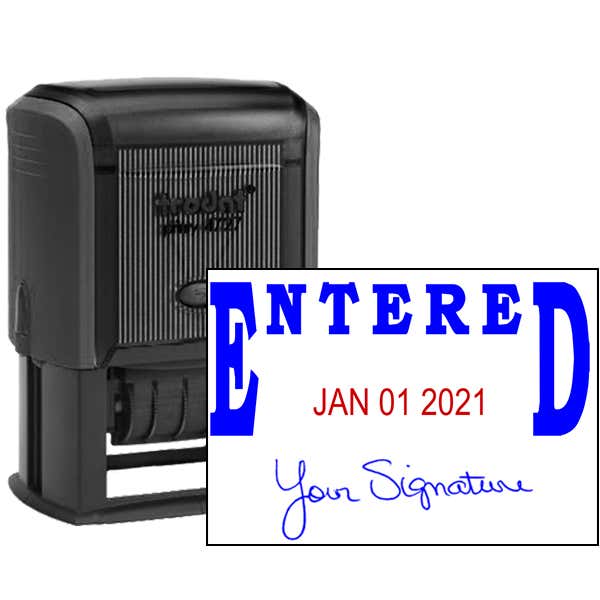
The Entered Signature Date Rubber Stamp is an essential tool for professionals who need a reliable way to track and organize their documents. The 1.5" x 2.25" size is perfect for tasks requiring a neat, rectangular impression, featuring "Entered" at the top, a customizable signature in the middle, and a date at the bottom. This stamp's robust construction ensures precise and consistent stamps every time.
Versatile Uses
This Entered Signature Date Rubber Stamp is ideal for a wide range of applications, including:
- Document Processing: Perfect for marking entered documents with a professional touch.
- Tracking and Organization: Ensure that documents are properly recorded with your signature and the entered date.
- Legal and Office Documents: Useful for consistent and clear marking of contracts, forms, and other important paperwork.
- Efficient Workflow: Streamline your document handling with a clear and professional stamp impression.
How to Use
Using the Entered Signature Date Rubber Stamp is straightforward and efficient:
- Preparation: Ensure the surface you are stamping on is flat and properly aligned with the desired location.
- Stamping Technique: Apply firm, even pressure and stamp in one swift motion for optimal results. The self-inking mechanism will re-ink the stamp after each impression, guaranteeing consistent quality.
- Maintenance: Regularly clean your stamp by gently wiping it with a damp cloth to remove any ink buildup. Store the stamp in a cool, dry place to maintain its longevity.
How to Change the Date
To change the date on the Entered Signature Date Rubber Stamp, follow these steps:
- Unlock the Stamp: Press down slightly on the stamp to reveal the date band.
- Adjust the Date: Rotate the date bands to display the correct day, month, and year.
- Lock the Stamp: Once the date is set, release the pressure, and the stamp will lock back into place.
- Test the Impression: Make a test stamp to ensure the date is correctly aligned and visible.
How to Customize Your Stamp
To customize your Entered Signature Date Rubber Stamp, follow these steps:
- Signature: Write your signature clearly on a blank sheet of paper. Scan the sheet or take a high-resolution photo of the signature. Save the image as a CDR, JPG, PNG, JPEG, or PDF file.
- Upload: During the customization process, you can upload your signature file by clicking the "Choose File" button.
| SKU | 1010872 |
|---|---|
| Design SKU | ENTERED-SIG-DATE-STAMP |
| Corporate Product | No |
| Cutline to Production? | Yes |
Entered Signature Date Rubber Stamp, Customizable with Date at Bottom, 1.5" x 2.25" Impression Size
1 total review
Showing with
Good product
Pricing breakdown
Make your selections to see pricing.