



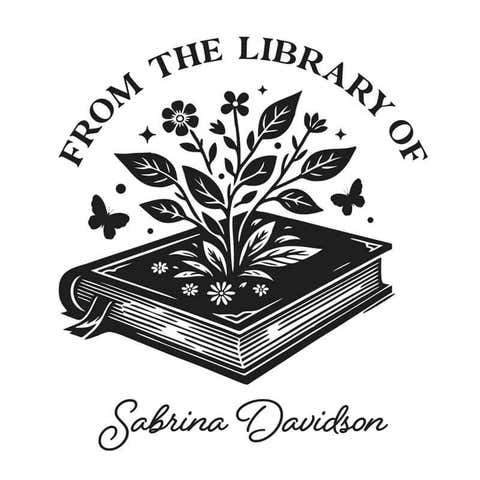

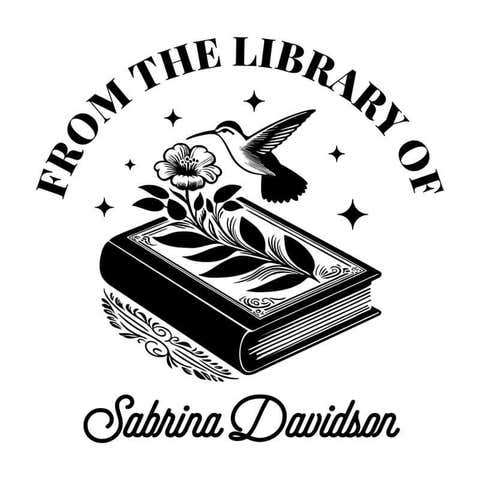
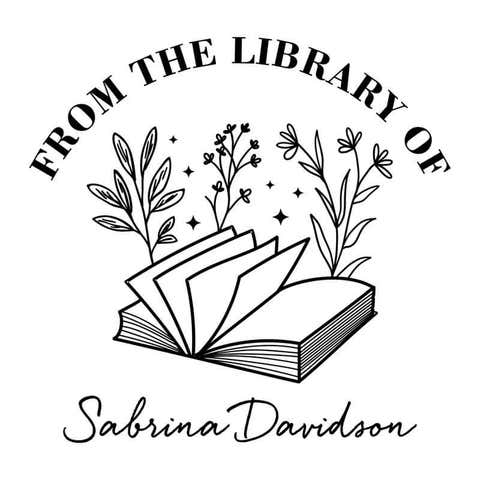





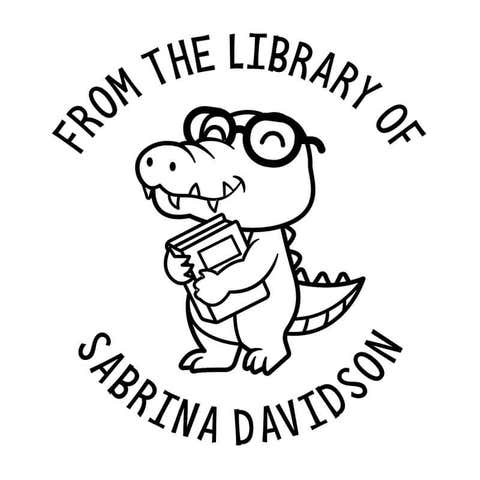



Elevate your book collection with the To the Mountains Custom Book Stamp, featuring a captivating mountain design that adds a sense of adventure to every book. Personalize each book with your name, making it uniquely yours and easily identifiable.
Product Features
Product Specifications
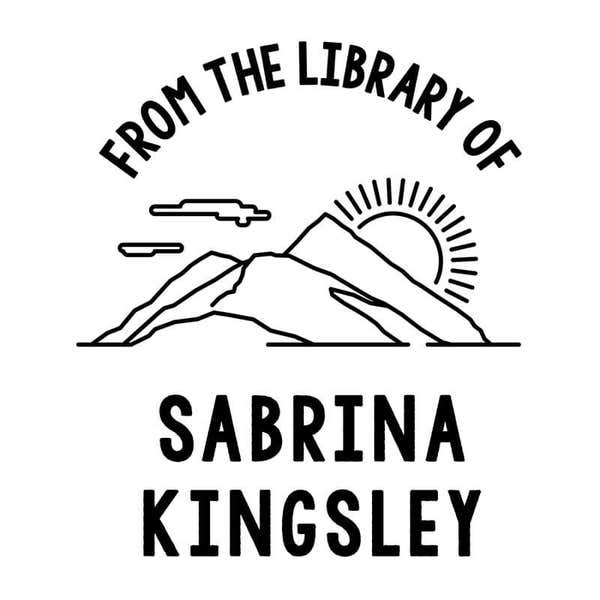
Why the To the Mountains Custom Book Stamp?
The To the Mountains Custom Book Stamp is perfect for those who love the great outdoors and want to add a touch of adventure to their book collection. It leaves high-quality impressions on various types of paper, ensuring your books are professionally marked and personalized.
How to Re-Ink Your Stamp?
To re-ink a self-inking stamp, start by pressing down on the stamp slightly and locking it into position using the side buttons or tabs. Remove the ink pad by sliding it out from the stamp casing. Apply a few drops of the appropriate ink onto the ink pad, allowing it to absorb evenly. If you have purchased a new ink pad already filled with ink, just replace the old ink pad with the current one. Once the ink has been absorbed, reinsert the ink pad into the stamp and release the lock. Test the stamp on a piece of scrap paper to ensure even ink coverage and proper stamping.
To use an ink pad with a wood handle stamp, press the stamp firmly onto the ink pad to evenly coat the stamp surface with ink. Then, press the inked stamp onto your desired surface, applying even pressure to transfer the ink. To keep the ink fresh, always close the ink pad lid tightly after each use to prevent it from drying out. Store the ink pad in a cool, dry place away from direct sunlight.
Most Popular Uses
The To the Mountains Custom Book Stamp is most popularly used for personalizing books in home libraries, adding a unique and adventurous touch that makes each book easily identifiable. It’s favored by teachers and librarians for marking classroom and library books with a professional yet rugged charm. Additionally, it serves as a thoughtful gift for outdoor enthusiasts and book lovers.
| SKU | 1027655 |
|---|---|
| Design SKU | ST_FLO_Mountain-Sun |
| Corporate Product | No |
| Cutline to Production? | Yes |
To the Mountains Custom Book Stamp
1 total review
Showing with
Love this!
Pricing breakdown
Make your selections to see pricing.